Johnice Edwards Tech
This website: a framework-free portfolio and blog with a small content system, drafts, tags, related posts and a dark-first design that can grow with my career.
Overview
Johnice Edwards Tech is the site you're reading. It's a personal technology blog and portfolio where I document what I'm learning in cybersecurity, systems, networking, cloud and AI, and show what I'm building.
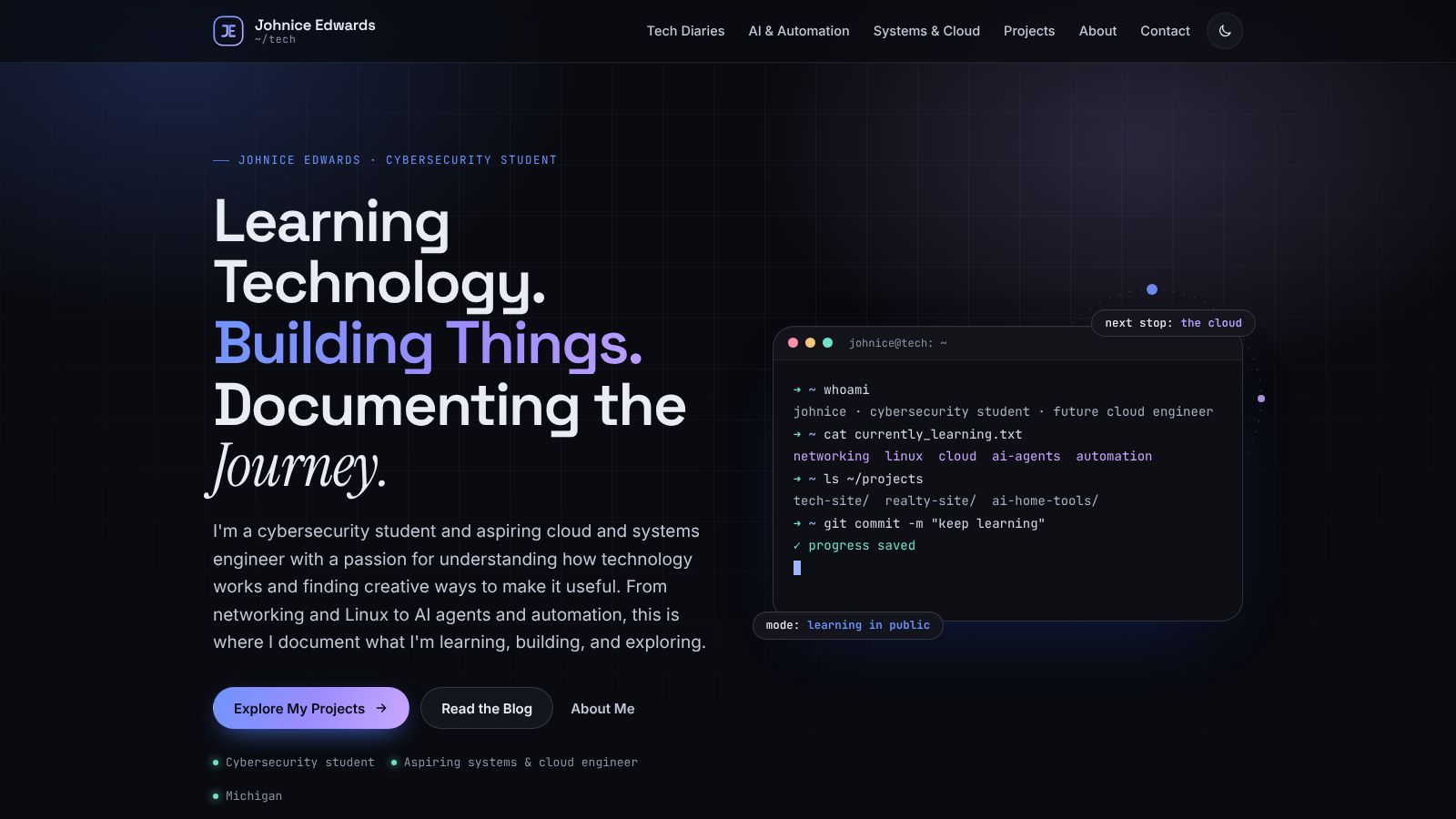
The idea
I already had a website about homes and real estate. My technology journey needed its own space: somewhere a recruiter could quickly see what I'm learning and building, and somewhere I could write honestly about the process. Two rules shaped it from the start:
- Honesty over polish. No invented credentials or made-up projects. Every project is labeled Planned, In Progress or Completed.
- Easy to grow. Publishing an article or adding a project should never require redesigning anything.
How it's built
The site is plain HTML, CSS and JavaScript, with no framework and no build step needed to publish. That keeps it fast, free to host on GitHub Pages, and easy to understand while I'm still learning.
- Content lists. Every article and project is described once in
content/posts.jsandcontent/projects.js. The home page, section pages, search, tag filters and related posts all read from those lists. - Drafts. Setting
status: 'draft'hides an article from every list, and the page itself is markednoindexfor search engines. - Shared layout. The header and footer are written once in
assets/js/layout.js. - Code blocks. A small built-in syntax highlighter (about 100 lines) colors Bash, JavaScript, JSON, Python, YAML and HTML, with a copy button. No third-party library needed.
- Design. Dark mode first, with a light theme toggle. Colors and type are tokens at the top of one stylesheet. Animations respect the reduced-motion setting.
- SEO. Every page has its own title, description, canonical link and social preview tags, plus a sitemap and RSS feed generated by a small Node script.
# Regenerate the sitemap and RSS feed after publishing
$ cd tech
$ node tools/build-feeds.mjs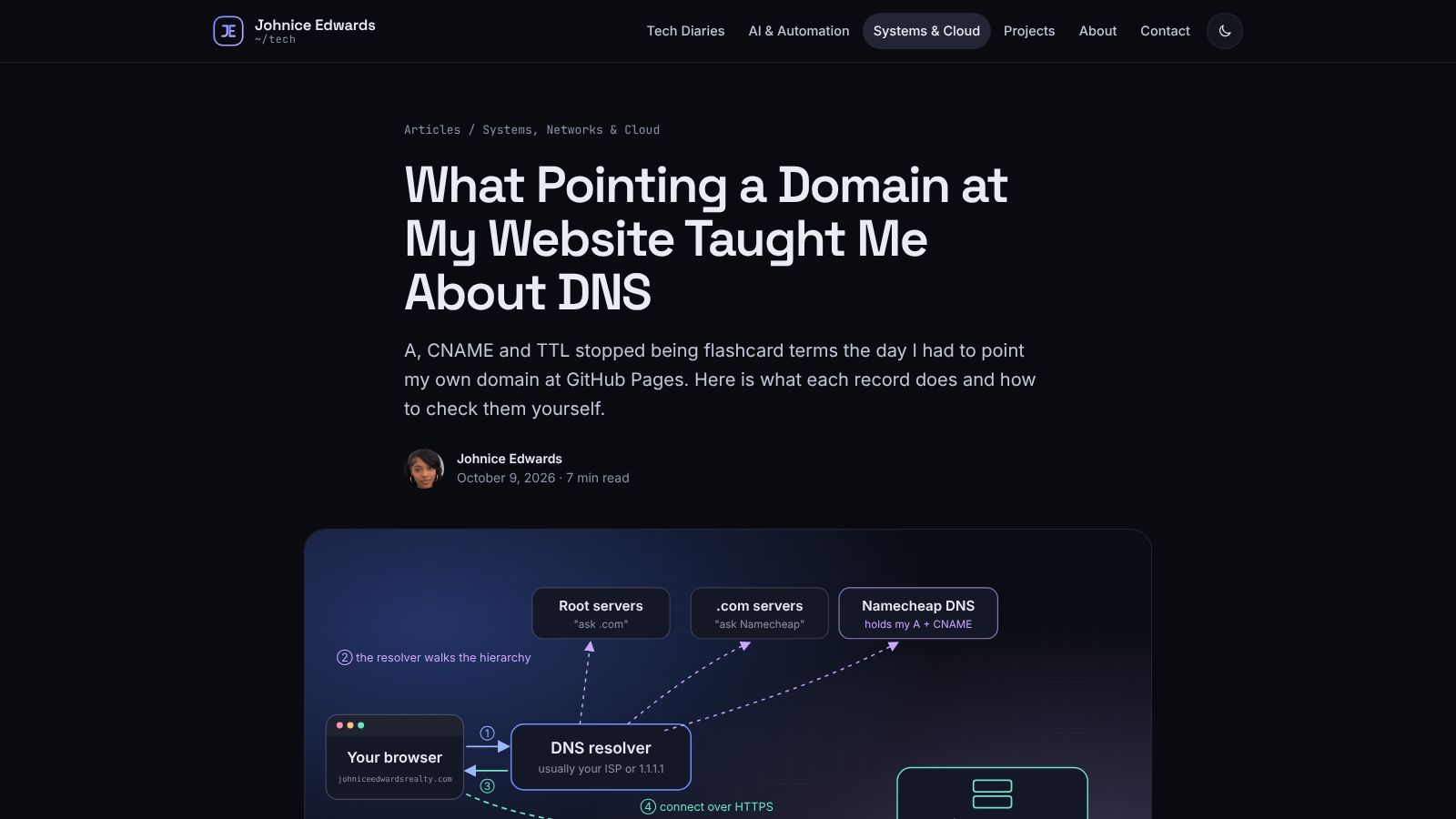
Built with an AI coding assistant
I wrote a detailed brief and an AI coding assistant built the first version. I wrote about that process, and why I'm disclosing it, in Building This Site With an AI Coding Assistant.
Challenges and lessons
- Don't break what already works. My realty website was already live, so the tech site was built as a separate project in its own repository instead of replacing it.
- Empty is better than fake. It's tempting to fill a new portfolio with impressive-sounding placeholders. Section pages show an honest "first article coming soon" instead.
- Accessibility takes deliberate work. Skip links, focus styles, alt text, labeled buttons and keyboard-friendly menus don't happen by accident.
Status and what's next
- Launch the structure. Sections, content lists, project pages, drafts, tags and related posts.
- First articles. An introduction, a DNS explainer and a write-up about building with AI.
- Add my links. GitHub, LinkedIn and resume, once they're ready.
- Learn the codebase. Make my own edits and document what I learn.
- Keep publishing. Diaries, labs and experiments as I go.